
AI product retouching and background changer
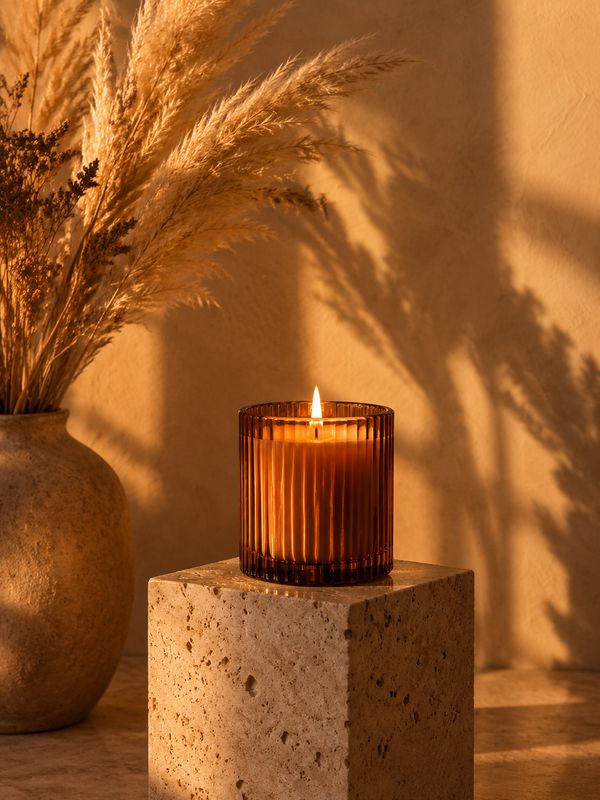
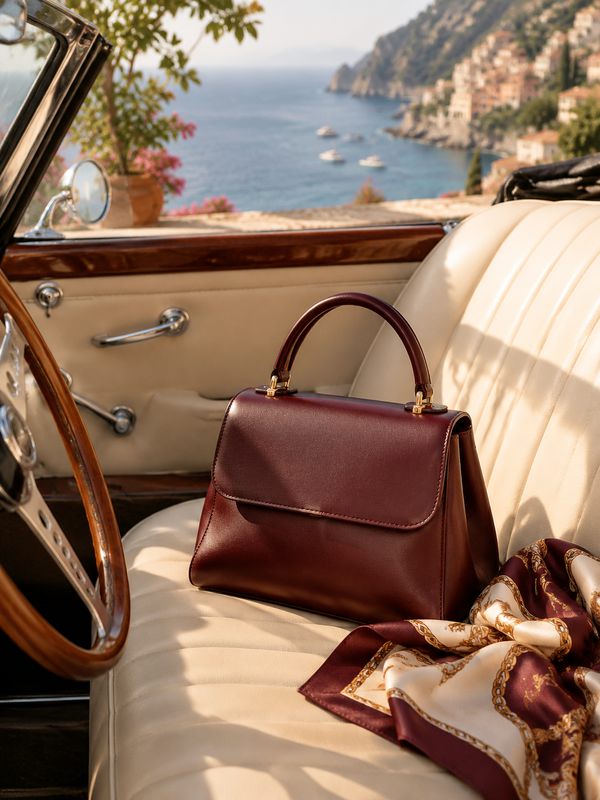
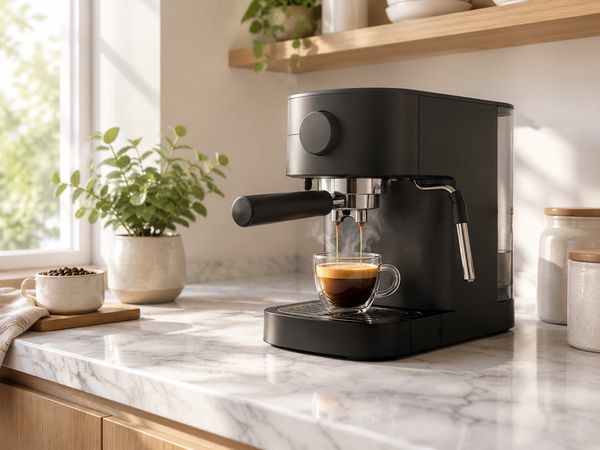
Dark lighting, a messy desk, a flat look? imagegoai turns a quick product snap into a studio-grade image: a clean white background, dramatic still-life lighting, or a real kitchen, bathroom or outdoor scene — while keeping the product itself unchanged.
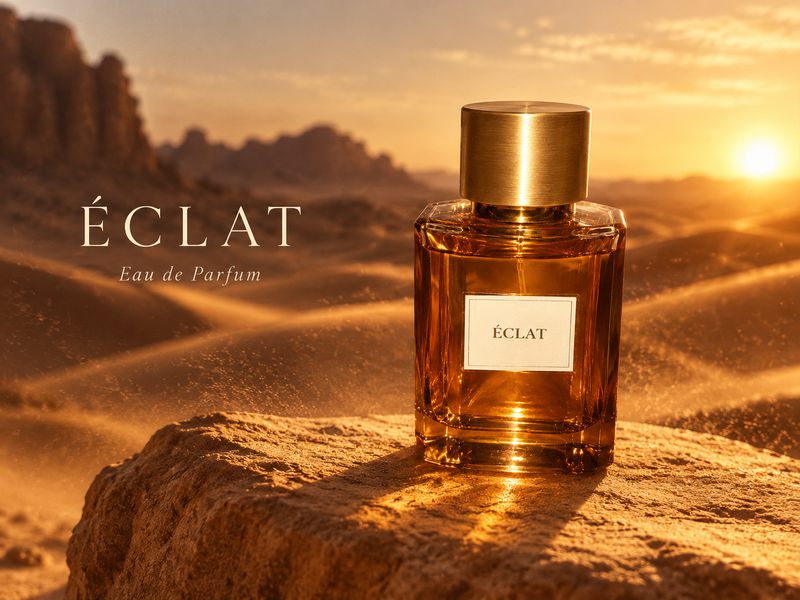
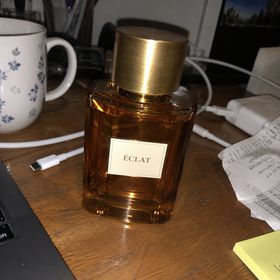 BeforeUse this styleProduct retouch
Examples
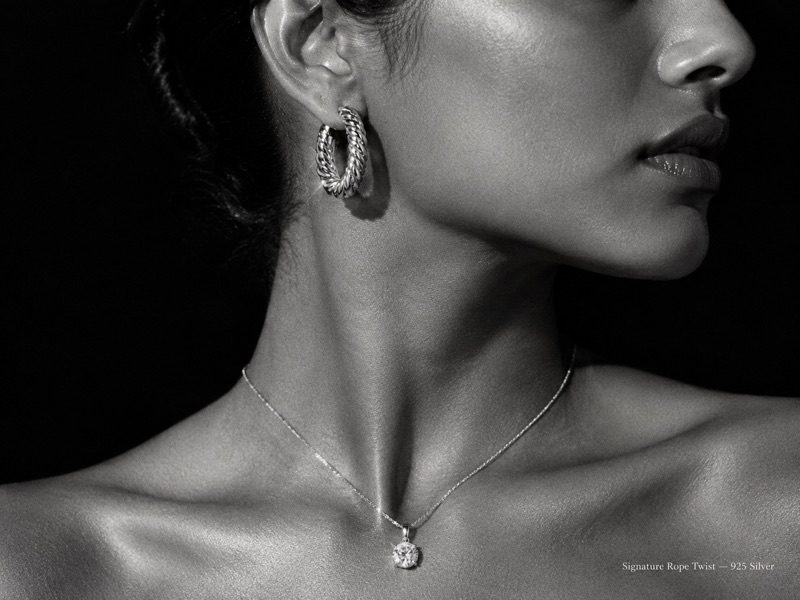
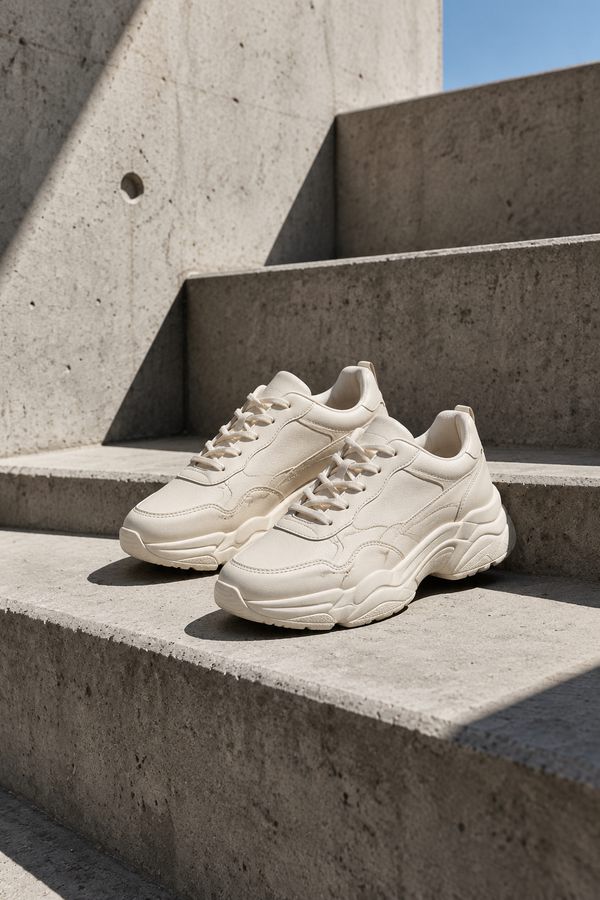
How it works
- 01
Upload the original
Any phone photo works, cluttered background included.
- 02
Describe the result
White background, hard-light still life, lifestyle scene or holiday mood — pick an example or write one line.
- 03
Generate and choose
Get several scenes in one run and download the best.
Great for
White-background packshots
Remove clutter and even out light and shadow for marketplace rules.
Still-life hero shots
Hard light, reflections and rich materials for a premium look.
Lifestyle scenes
Show the product in real use to lift clicks and conversion.
Seasonal campaigns
Holiday and event themed scenes in one click.
FAQ
Is the AI background changer free?
New accounts get 3 free images to try it. After that you pay per image.
Will the product get distorted?
The original photo is the reference, so shape, color and details are kept as closely as possible. Regenerate any single image that drifts.
What does the original photo need?
Just the whole product in frame and in focus. Even lighting helps.
Can I get a transparent PNG?
Results are full images with a background. Ask for a pure white background when you need a cut-out look.
How is this different from a background remover?
A remover only cuts the background out. Here the product is relit with new shadows and reflections inside a whole new scene, so it looks shot in a studio.
Gallery
Upload one photo, get a full set of designs in minutes
Start free3 free images on sign-up · No credit card
More things to make with AI
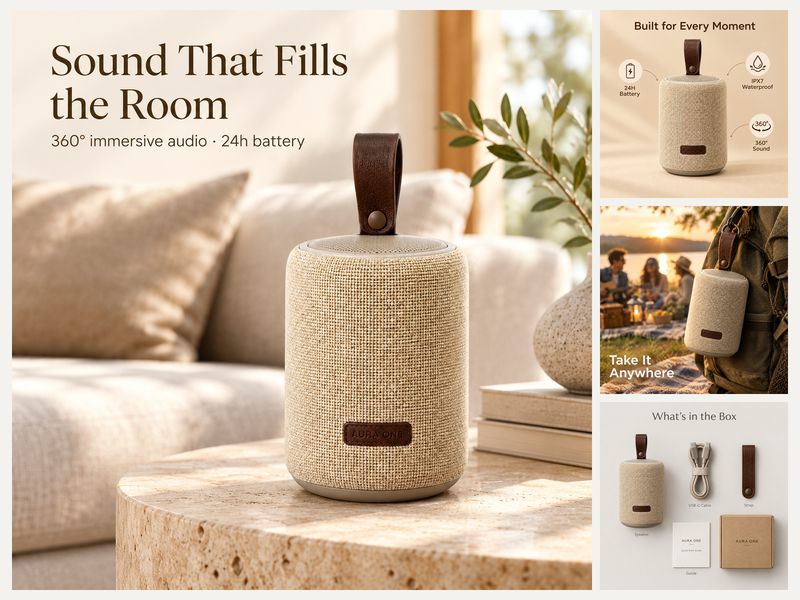 Product photosTurn one product photo into a full listing set
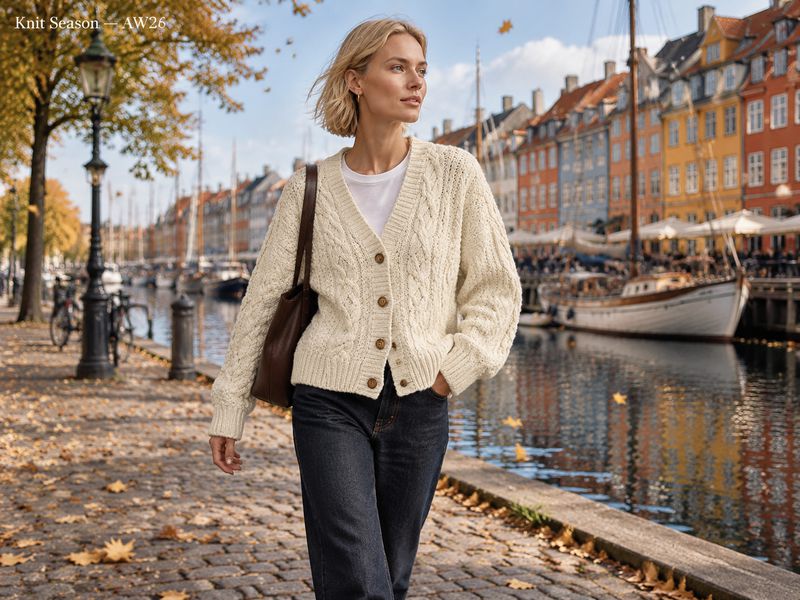 Virtual try-onPut flat-lay clothes on a model in seconds
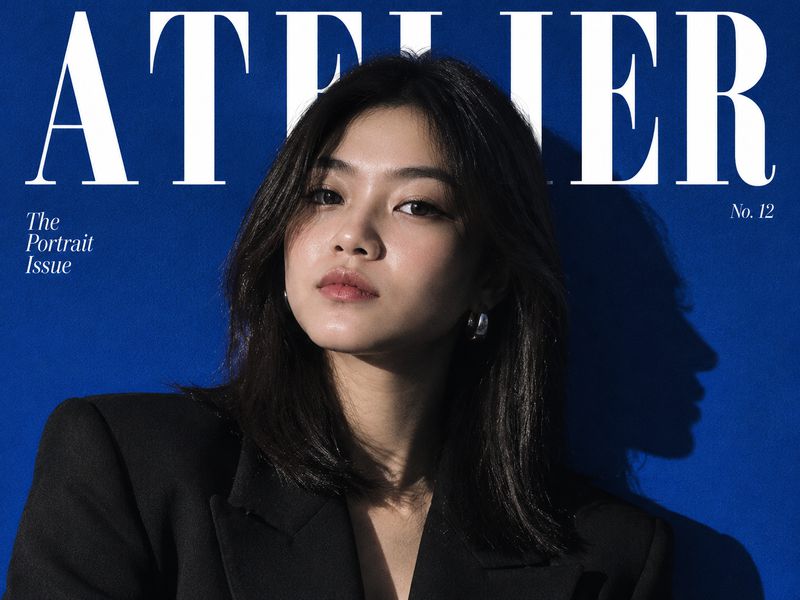 AI portraitsOne selfie becomes magazine covers and headshots
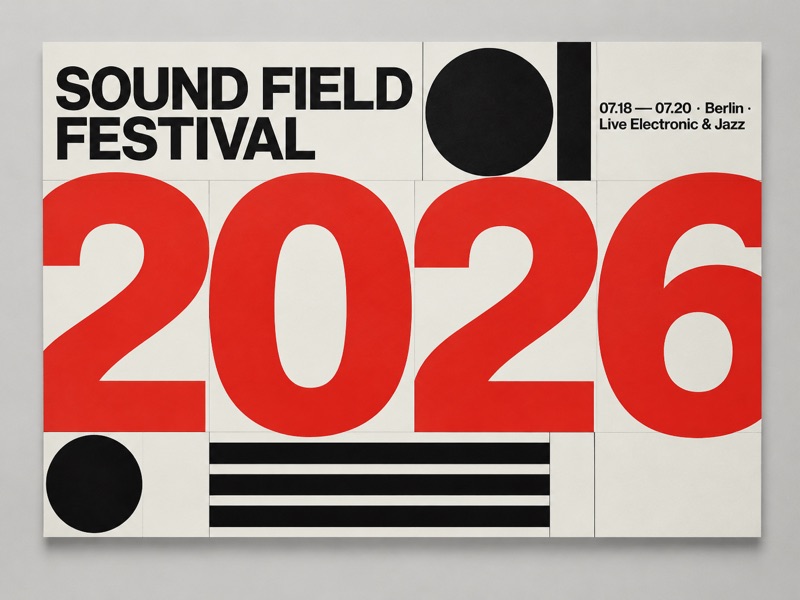 AI postersEvent, holiday and brand posters from one line
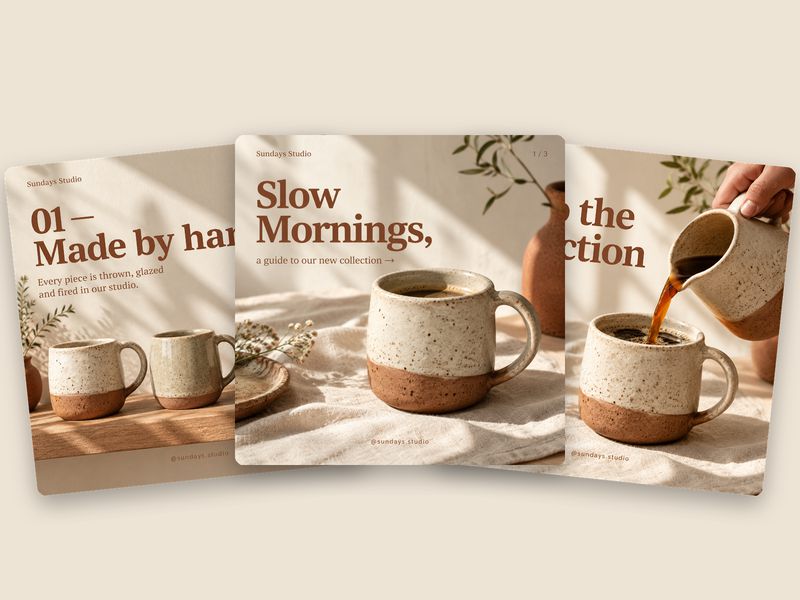 Social media postsCovers and carousels for Instagram, TikTok and more
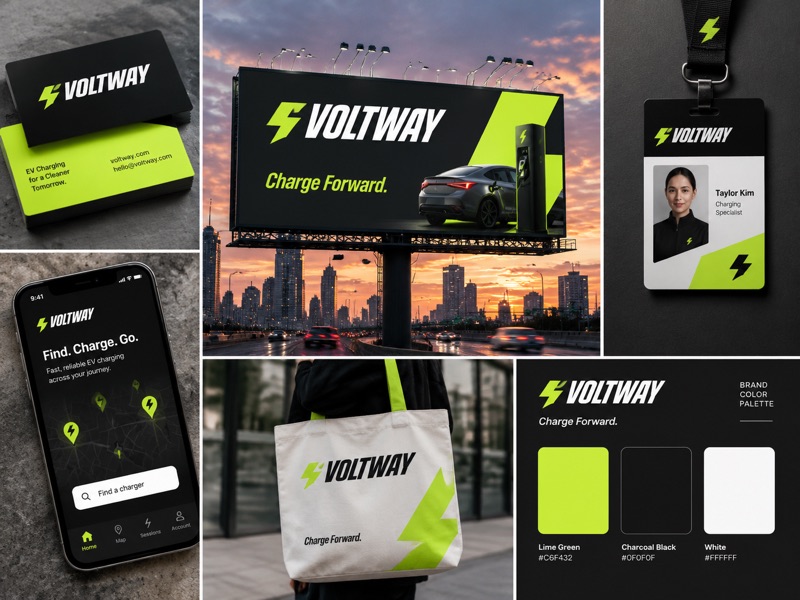 Brand designBrand identity, packaging and ad campaign visuals